
About
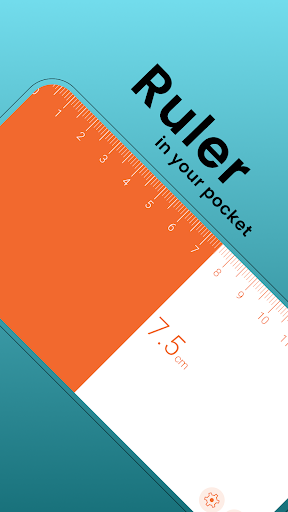
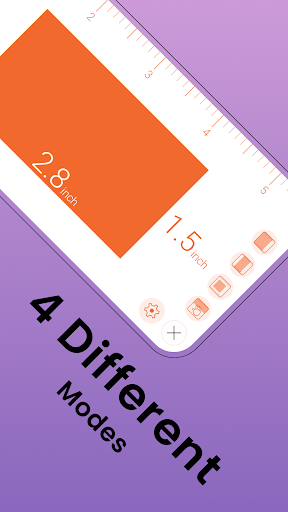
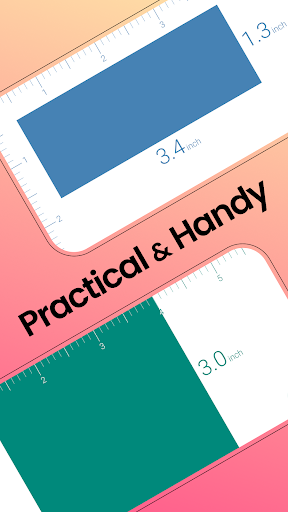
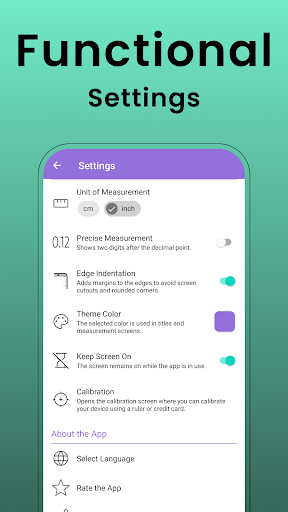
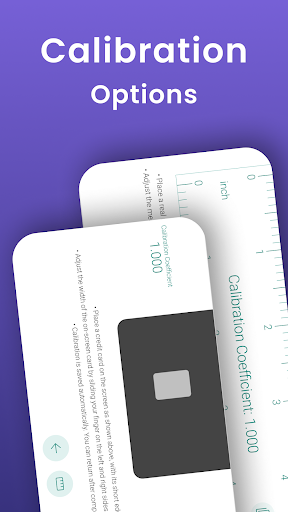
Turn your device into a highly accurate digital ruler! With this app, you can effortlessly measure the length of objects by placing them next to or on top of your phone, using units in centimeters (cm) or inches. With the Swipe and Measure Mode, you can go beyond the physical limits of your device to measure larger objects. Plus, if the digital ruler's measurements are not accurate, you can easily calibrate it using a real ruler or a credit card. A stylish and practical ruler you can carry with you anywhere! 📌 FEATURES: ▸ Three Different Measurement Modes ▹ Scroll & Measure Mode (Long Ruler) ▸ Measurement Saving, Restoring and Sharing ▸ Metric and Imperial Units Support: cm, inch (fractional), inch (decimal) ▹ Measurement Lock ▹ Two digits after the decimal point ▸ Calibration ▸ Stylish Design ▸ 11 Language Support ▹ Theme Support ▸ User-Friendly Interface (▸ Free Feature ▹ Pro Feature)
Info
Genre
Tools
Rating
Everyone
Release
Dec 12, 2024
Last Update
½ New: Inch Fractional (for all users)<br>🔒 New: Measurement Lock (for Pro users)<br>🌐 Now supports 11 languages: English, German, Spanish, French, Hindi, Italian, Dutch, Polish, Portuguese, Russian, and Turkish.
Reviews
LM H
Beautifully designed, exactly what I was looking for.
Hijack
good app it's fast and efficient
Antonio De Bonis
Amazing application. No advertising, mm, cm and inch.
Kuutti Samola
Works, but there's better ones out there.
Tony Sinyaev
precise simple beautiful you can easily see what you measure and compare sizes (due to two-color screen) calibration might have some corner for improvement but it's suffice enough
Alex T.
I purchased almost immediately... the only thing that bites is the landscape orientation changes to portrait when changing settings and I thought I would be able to take pictures of something to measure it. App all in all is excellent
Barnabas Vroegop
simple and easy to use. No ads in free version
yassine 22kk4080
excellente
Mary Outlook
Perfect! Works as intended. I would rate it 10 stars if I could!
Amin Sani
easy to handle & simple. thanks guys
Joel Louzado
simple, effective, well-designed and modern-feeling UX. feels like they actually bothered hiring a designer.